B2B catalog SEO starts with how buyers specify products
A distributor's buyer may search by part number, compatibility, material, or application rather than a broad consumer keyword. B2B ecommerce SEO connects those buying questions to useful, accessible category and product pages. It is not a contest to publish the most URLs.
Start with sales and support conversations. Which specifications determine a purchase? Which terms do customers use that differ from your internal catalog? Use those answers to shape navigation and page content before scaling a content program.
Build categories that deserve to rank
A useful category has a coherent assortment, a distinct buying purpose, and information that helps someone choose. Explain differences between product families and provide links to the next level of detail. Avoid producing dozens of nearly identical pages for wording variations.
For technical products, consistent attributes matter. A buyer should not have to compare millimeters on one page with an unexplained label on another. Keep model identifiers, specifications, and compatibility statements accurate and aligned with your source catalog.
- Separate meaningful product families from temporary merchandising groups.
- Use customer language alongside precise manufacturer identifiers.
- Link buying guides to the products and categories they explain.
Decide which filters should be crawlable
Faceted navigation can produce a huge number of URLs from a small catalog. Google warns that these combinations can waste crawling resources and delay discovery of useful content. A filter that helps a shopper is not automatically a page that should appear in search.
Create an indexation plan before changing robots rules. Valuable combinations need stable URLs, useful content, and an intentional canonical strategy. Low-value combinations may need crawl controls. Blocking crawling and applying noindex are different tools: a blocked page cannot reliably be crawled to read its noindex directive.
- Inventory parameters for sorting, filtering, and pagination.
- Identify combinations with genuinely distinct buying intent.
- Test the effect of crawl controls on useful product discovery.
Is your store making buying harder than it should?
Let’s look at your websiteMake product pages work for procurement
Product content should answer compatibility, pack quantity, lead time, and ordering questions where relevant. If pricing depends on an account or quote, explain the next step clearly rather than leaving the shopper at a dead end. Do not publish availability claims your inventory system cannot support.
Good specifications can be reused across a product page, downloadable documentation, and a sales conversation. Keep a clear owner for updates. Search traffic is not useful if the buyer finds outdated details and has to start again with another supplier.
Handle unavailable and discontinued products deliberately
An item that is temporarily out of stock may still deserve a useful page. A permanently discontinued product may need a suitable replacement link or a proper removal response, depending on its history and the alternatives available. Do not automatically redirect every unavailable SKU to the category homepage.
Preserve buying context when a true successor exists. Explain the replacement and any compatibility difference. Review high-traffic discontinued pages with the sales team so the migration decision reflects the actual customer need.
Measure qualified demand, not just indexed pages
Track product inquiries, account requests, qualified orders, and assisted sales alongside search traffic. Separate brand and model-number searches from broader discovery queries. A rise in impressions can be useful, but it is not evidence of more profitable business by itself.
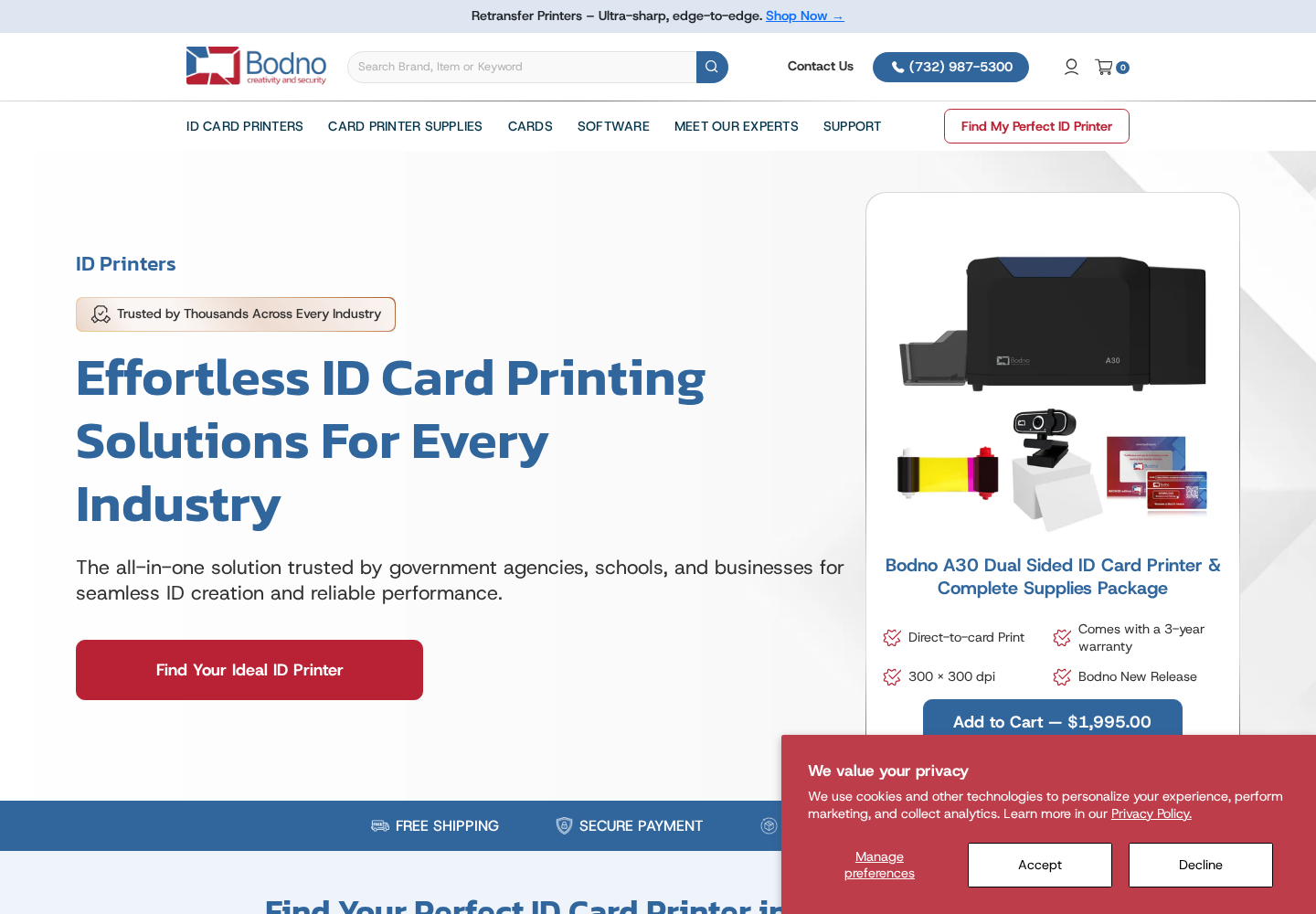
Bodno and Woodpeckers Crafts appear in Falcon's ecommerce portfolio and provide concrete starting points for discussing technical and large-assortment commerce. Their inclusion is portfolio proof, not a claim that the catalog tactics in this guide were deployed on either site. A catalog audit should show which pages to improve, consolidate, or keep out of search.